

Account takeover prevention works best when controls match the risk of the moment. A password or passkey can help establish that someone has a credential; it does not always establish that the person using the account is its legitimate owner. For enterprise teams, the practical question is where a human-presence signal can strengthen a decision without adding needless friction.
What Does Account Takeover Prevention Need to Establish?
Account takeover occurs when an unauthorized party gains control of a legitimate account. The entry point may be a stolen password, a session token, a compromised email account, a social engineering attempt or an abuse of the recovery process. Those paths look different to a user, but they share a useful security question: what evidence supports the decision to allow this person to act as the account holder?
No single check answers that question in every situation. A credential can be valid while the person using it is not the account owner. A familiar device can be shared or compromised. A network location can change for ordinary reasons. A one-time code can be intercepted or relayed. Prevention therefore depends on combining signals and selecting proportionate responses rather than treating one signal as proof.
Start by separating three decisions that are often bundled together:
- Authentication: Does the user control a credential or authenticator linked to the account?
- Risk assessment: Does this sign-in or action fit the account’s normal context, and are there indicators of abuse?
- Human presence: Is a real person present in the interaction, rather than an automated script or synthetic interaction?
Human presence is one input to the decision. It can help a platform distinguish a live person from automation at a selected checkpoint. It does not, by itself, prove that the person is the account owner, establish legal identity or replace credential security. Keeping those boundaries clear helps teams design controls that add assurance without claiming more than they establish.
That separation also makes policy easier to explain. A positive presence result can answer a narrow question about the interaction. The platform still needs to decide whether the credential, account context and requested action support access. If policy treats a presence result as a complete authorization decision, it collapses distinct risks into one pass/fail outcome and makes exceptions harder to handle.
Where Do Account Takeovers Enter the Journey?
Security teams often focus on the login screen because it is visible and measurable. Attackers and abusive operators can also target the steps around it. A control set that only evaluates a password at sign-in may miss a high-risk recovery request, a suspicious change to a payout destination or a burst of account actions after a valid session begins.
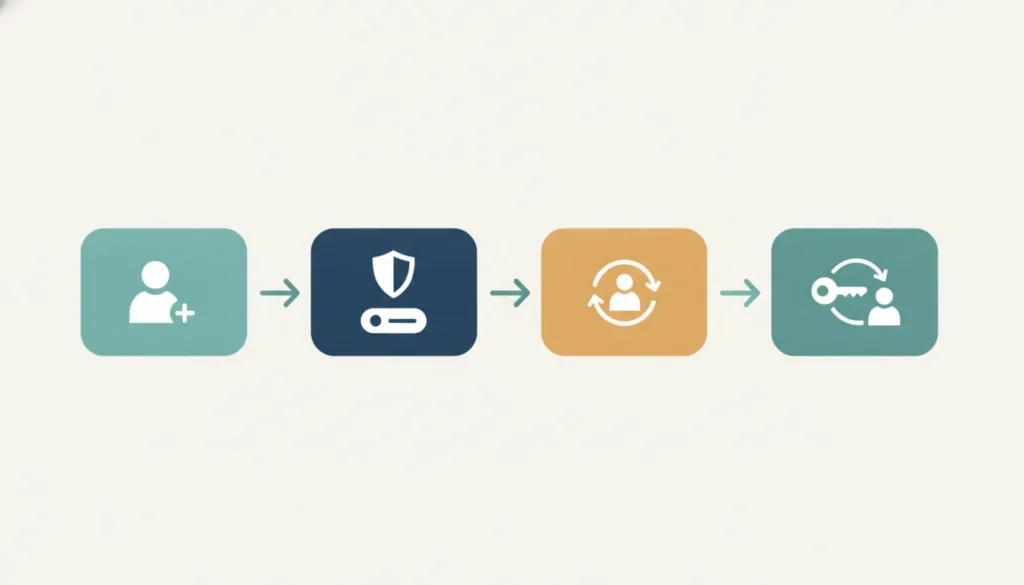
Map the account journey from end to end. Realeyes uses four practical journey labels: Onboard, Reverify, Protect and Recover. These labels are useful because they connect a control to the decision it is meant to support, instead of treating every user interaction as the same event.
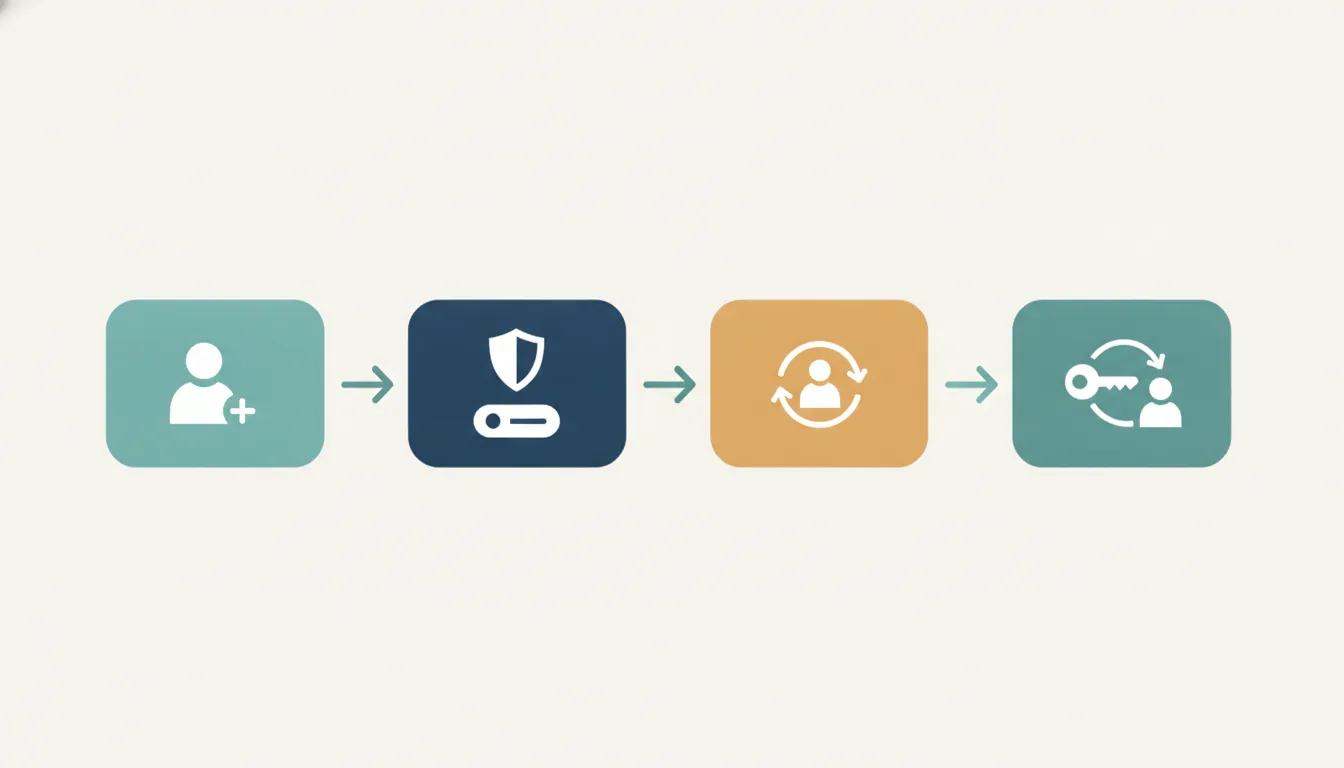
| Journey point | Example risk | Useful control question |
|---|---|---|
| Onboard | Automated or repeated account creation | Is a real person present, and does the enrollment meet the platform’s eligibility rules? |
| Sign in / Protect | Stolen credentials or automated login attempts | Do credentials and contextual risk signals support access, or should the session be challenged? |
| Reverify | Account use changes after a legitimate login | Does this sensitive action warrant a fresh assurance check? |
| Recover | An attacker attempts to reset access or replace account details | Can the platform restore access without relying only on a possibly compromised channel? |
The right checkpoint depends on the cost of a false acceptance, the harm caused by blocking a legitimate customer and the available alternatives. A low-impact profile edit may not need the same treatment as changing a financial destination or resetting credentials. Record those differences in a journey map and review them with security, product, compliance and customer-support owners.
For each journey point, write down the asset at risk, the action an attacker could take and the evidence currently available. For example, a user signing in from a new device may be a routine traveler. A new device followed by a password reset and a change to payment details creates a different sequence. Evaluating events together can be more useful than reacting to the device change alone.
Also map how a user moves between steps. A control at sign-in may be bypassed later if a recovery channel has weaker checks. A successful reset may need to trigger a short period of restricted high-impact actions. The map should include the normal route, exception routes and support-assisted recovery, not just the intended happy path.
How Should Teams Layer Account Takeover Prevention?
A layered design gives each control a defined job. Credential strength reduces the chance that an attacker can simply reuse a known secret. Rate limits and abuse monitoring can identify repeated or unusual activity. Device and session context can help assess whether an interaction resembles prior legitimate use. Step-up checks can add assurance when the risk or impact rises. Human-presence verification can provide another signal at chosen moments.
These controls should work together, not compete to be the sole source of truth. A useful policy describes what signals are considered, what combinations change the decision and what happens next. For example, a familiar device and a valid passkey may permit ordinary access. A new device paired with a sensitive account change may trigger a step-up. Repeated automated behavior may be rate-limited or routed to additional checks.
For incident response and broader account-security context, teams can consult the NHI guidance on account takeover prevention and verification flows. Keep the policy operational: define the event, the accountable decision-maker, the customer explanation and the recovery route. A control that identifies risk but leaves the user stranded can turn a security intervention into a support problem.
Where human presence is relevant, VerifEye can confirm that a real person is present in the interaction. The platform can also add a uniqueness signal when the application needs continuity, such as blocking a duplicate account or matching a returning person at a later checkpoint. It does not require an identity document. The biometric signal is processed on-device where possible and is not stored as an image. A continuity feature keeps only what that feature needs, and the deploying team still decides what the result means in its own risk policy. Those properties can help reduce the amount of sensitive material a business handles, while the organization remains responsible for defining what the result means in its own risk policy. Read more about the human-verification platform and its intended role.
Translate the layered policy into explicit outcomes. An allow decision can proceed normally. A step-up can ask for another signal before a high-impact action. A hold can pause an action while an analyst or support team reviews it. A deny decision should be reserved for evidence that meets a defined threshold. Naming these outcomes reduces the temptation to use a single vague label such as “suspicious” for cases that need different treatment.
For example, repeated sign-in attempts from automated behavior may call for rate limiting before a user is challenged. A valid session followed by an unusual transfer request may justify a targeted step-up. A recovery request that conflicts with known account history might need a hold and a carefully controlled restoration path. The policy should specify which team can release a hold and what evidence that team needs.
When Is a Human-Presence Check Worthwhile?
A presence check is most useful when the result can change a meaningful decision. Applying it to every interaction may add unnecessary steps and weaken the user experience. Applying it only after a loss has occurred may be too late. The design task is to identify moments where the added signal is proportionate to the exposure.
Consider a human-presence check when:
- Automated behavior appears to be creating accounts, testing credentials or submitting repeated requests.
- A high-impact change follows an unusual sign-in or recovery event.
- A platform needs to distinguish a live participant from scripted activity in an interaction where people matter.
- Existing signals are inconclusive and a low-friction step-up could help determine whether to proceed, hold or route for review.
Do not make presence stand in for account ownership. A real person could be an attacker using stolen access. Conversely, a legitimate customer may encounter technical or environmental conditions that affect a check. Pair the result with credential status, account history and relevant risk signals. Provide a way to resolve failures that does not expose the account to an easier bypass.
Teams comparing human verification with device checks can read the 1 Billion Verifications paper. The paper covers fraud and cost evidence. It is not a substitute for the demo request above. Buyers can also review the human-verification and liveness solutions and the privacy-conscious liveness approach. The evaluation should begin with the decision and data flow, not a feature checklist detached from the journey.
Consider the user context before placing a check. A person may be using an older device, have limited bandwidth or rely on assistive technology. Those cases do not make a control unnecessary, but they do make a defined alternative important. Specify the fallback before launch, train support teams to use it and make sure it offers comparable protection rather than a shortcut an attacker can exploit.
How Can a Team Place Verification Without Overburdening Users?
Set the trigger before selecting the interaction. Define the event that merits additional assurance, the evidence that can satisfy it and the fallback if the check cannot be completed. A trigger might combine a sensitive action with a change in device context, a recovery event or an elevated fraud signal. Avoid vague rules such as “verify suspicious users” unless the team can explain how suspicion is assessed and reviewed.
- Map the action. Identify the exact action and its potential impact, including what an attacker could change or extract.
- List current evidence. Document credentials, session context, behavioral indicators and existing step-up methods. Note which signals are unavailable or unreliable.
- Choose a proportionate response. Decide whether to allow, challenge, delay, limit or route the action for review. Make the response consistent with the risk.
- Define an alternate route. Plan for accessibility needs, technical failures and customers who cannot complete the primary check. Ensure the fallback does not become the weakest link.
- Explain the step. Tell users what is being checked and what to do if the process does not work. Keep internal risk details private without making the user experience mysterious.
Designing the step as part of the journey matters. If a user passes a check and then has to repeat it without a clear reason, the interaction feels arbitrary. If a risky action can bypass the check through a weaker channel, the control has little value. Review the complete sequence, including error states, support intervention and account restoration.
Make the trigger testable. A specific trigger is easier to evaluate than a vague one. For example, challenge when a sensitive action follows a new-device sign-in within a defined period. Do not rely on a rule that only says to challenge when risk is high. Teams can adjust the period or action list based on observed results. They can also explain the logic to auditors and support staff without exposing detection details that should remain confidential.
Build the decision path with product and operations owners. Decide whether the user can save progress, whether the action remains pending and how long a review can take. If the requested action is reversible, a short hold may be acceptable. If delay could prevent access to an essential service, the team may need a faster alternative. A proportionate control considers the cost of delay as well as the cost of a mistaken approval.
Finally, test interruption and retry behavior. A user may close a browser, lose connectivity or switch devices halfway through a check. The platform should know whether to resume, restart or route to another method. Set limits for repeated retries and review whether the limit creates avoidable lockouts. These details are easy to overlook in a diagram and obvious to the person trying to get back into an account.
What Should Buyers Evaluate in a Verification Approach?
Enterprise buyers should evaluate the evidence produced by a check, the data it handles and the decisions it supports. A useful review asks what the system observes, where processing occurs, what is retained, how failure is handled and what the result does not prove. These questions help privacy, security and product teams assess the system against actual use rather than marketing shorthand.
| Evaluation area | Questions to ask | Why it matters |
|---|---|---|
| Signal and decision | What does a positive result establish? What does it not establish? | Prevents presence from being mistaken for ownership or identity proof. |
| Data flow | What information is captured or processed, where does processing happen and what is retained? | Clarifies privacy exposure and governance responsibilities. |
| User experience | When does the check appear? What happens on failure or interruption? | Shows whether the control is usable and proportionate. |
| Security operations | How does the result combine with other signals, and who can override a decision? | Connects the check to policy, audit and incident handling. |
| Measurement | Which outcomes will be compared with a baseline? | Reveals whether the control improves security without creating avoidable friction. |
For privacy review, document the purpose, lawful basis where applicable, data categories, retention, access controls and vendor responsibilities. VerifEye processes the biometric signal on-device where possible and does not store images. No biometric data is retained between sessions unless the application explicitly requires continuity, such as a uniqueness check. The deploying organization should still verify the surrounding implementation, interfaces and records so the complete system matches its privacy commitments. Realeyes also publishes information about security practices and its privacy policy.
Ask how the result reaches the application that makes the decision. Review the API or SDK boundary, the event fields returned to the platform and the access controls around logs. Confirm whether a human reviewer sees any data and whether the result is retained for audit. Map the full path from user interaction to policy outcome; a privacy-preserving check can still be surrounded by unnecessary data collection elsewhere in the flow.
Set ownership for exceptions. Security teams should define the risk threshold and investigate confirmed abuse. Product teams should own interaction design and completion issues. Privacy and compliance teams should review purpose and data handling. Support teams need a documented route for legitimate users who cannot complete the expected path. A control with no clear operational owner tends to be bypassed during an incident or left in place after its assumptions change.
What Should a Pilot Measure?
A pilot should test a defined decision in a bounded setting. Choose one or two journey points, such as recovery or a sensitive account change, and establish a baseline before rollout. Do not treat verification volume as evidence of effectiveness. The relevant question is whether the control improves the decision and the user outcome compared with the existing flow.
Track measures across four areas:
- Risk outcomes: Changes in confirmed abuse, suspicious attempts reaching completion and cases escalated for review.
- Decision quality: How often the new signal changes a decision, and whether subsequent investigation supports that change.
- User experience: Completion, abandonment, retry and support-contact patterns, segmented by the journey and relevant user conditions.
- Operations and privacy: Review workload, exception handling, data flows and any unintended collection or retention.
Define success criteria and guardrails in advance. For example, a pilot may aim to reduce risky completions without increasing legitimate-user lockouts beyond an agreed threshold. Analyze segments rather than relying on a single average. A good result in one journey does not automatically justify applying the same check everywhere.
Review edge cases with the teams who handle them. Security analysts can assess whether the signal clarifies investigations. Product teams can identify confusing steps. Support teams can report where recovery breaks down. Privacy and compliance teams can confirm that the implementation and documentation remain aligned. Make the decision to expand, adjust or stop explicit.
Keep a record of the baseline definition, pilot population and any policy changes made during the test. If the team changes both the trigger and the verification step at once, it may be difficult to tell which change affected the result. Where practical, compare like-for-like journeys and distinguish confirmed takeover from other account-support incidents. A rise in challenges is not itself evidence that the system is identifying more abuse.
Review outcomes on a regular schedule and set a decision date. If the check reduces risky completion but drives more legitimate users into manual review, the next action may be a narrower trigger or a better fallback, not immediate expansion. If it rarely changes a decision, reconsider whether that checkpoint needs the signal. A pilot should create a clear next step, including the option to stop.
Read the 1 Billion Verifications paper for the fraud and cost evidence behind human verification, then compare it with device checks.
Frequently Asked Questions
Does human-presence verification stop account takeover on its own?
No. It can help establish that a real person is present in an interaction, but presence is not proof of account ownership. Combine it with credential controls, risk signals and an appropriate response policy.
Should every login trigger an extra verification step?
Not necessarily. Use the risk and impact of the event to choose when a step-up is justified. A targeted check at recovery or before a sensitive change may be more proportionate than adding friction to every routine sign-in.
What is the difference between authentication and human presence?
Authentication tests whether a user controls a credential or authenticator. Human-presence verification checks whether a real person is present in the interaction. Each answers a different question, and neither should be treated as a complete substitute for the other.
What should teams do when a check fails?
Offer a defined recovery or review path that protects the account without turning into a simple bypass. Track failure reasons, retries and support outcomes, then use that evidence to improve the flow and reassess the trigger.
Use Presence as One Signal, Not the Whole Decision
VerifEye can confirm that a real person is present, and it can add a uniqueness check when the application needs continuity. It does not require an identity document, and it does not store images. It does not, by itself, prove account ownership or guarantee that every legitimate user will complete the step.
Account takeover prevention is strongest when each control has a clear purpose and fits the risk of the action. Use human presence as one carefully placed signal in a layered system, then measure whether it improves assurance for both the business and the people using the account.